
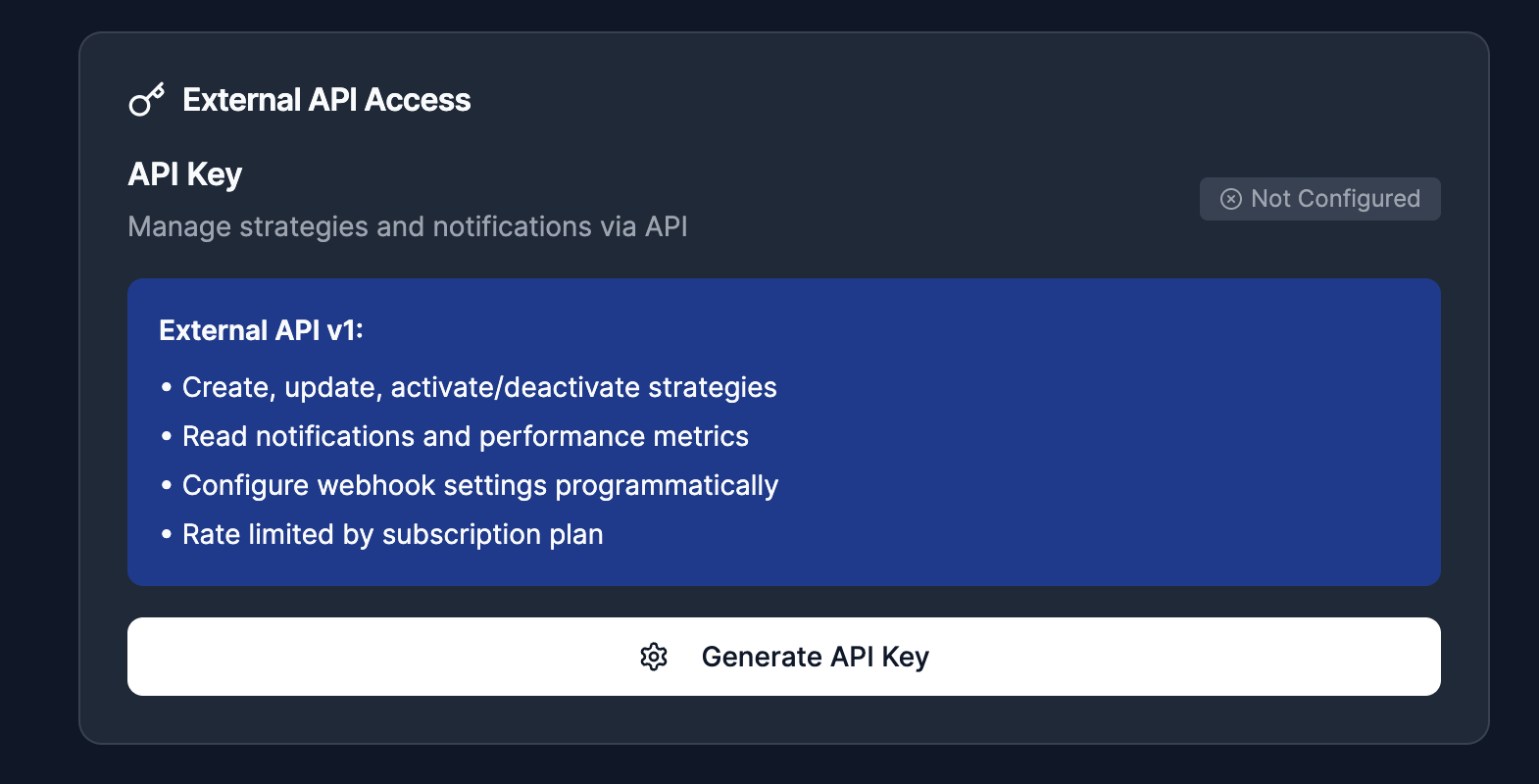
Use the external API to manage Strategies and consume alert outcomes from your own systems.
Base URL
Getting an API key
- Open Settings in the app.
- Go to API Access.
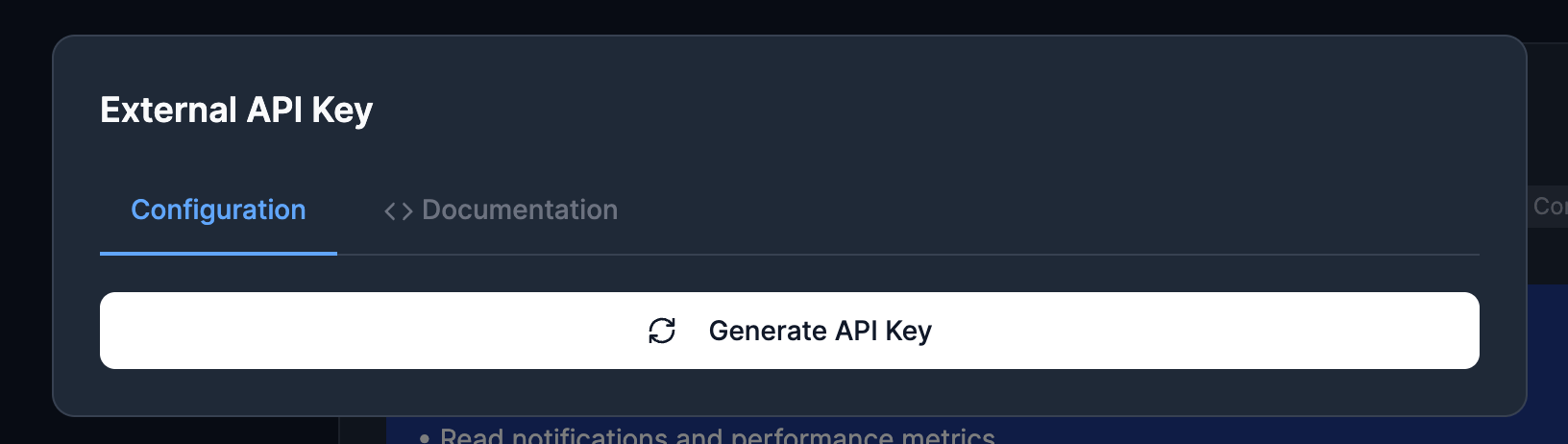
Generate your API key from Settings.
- Create or regenerate your API key.
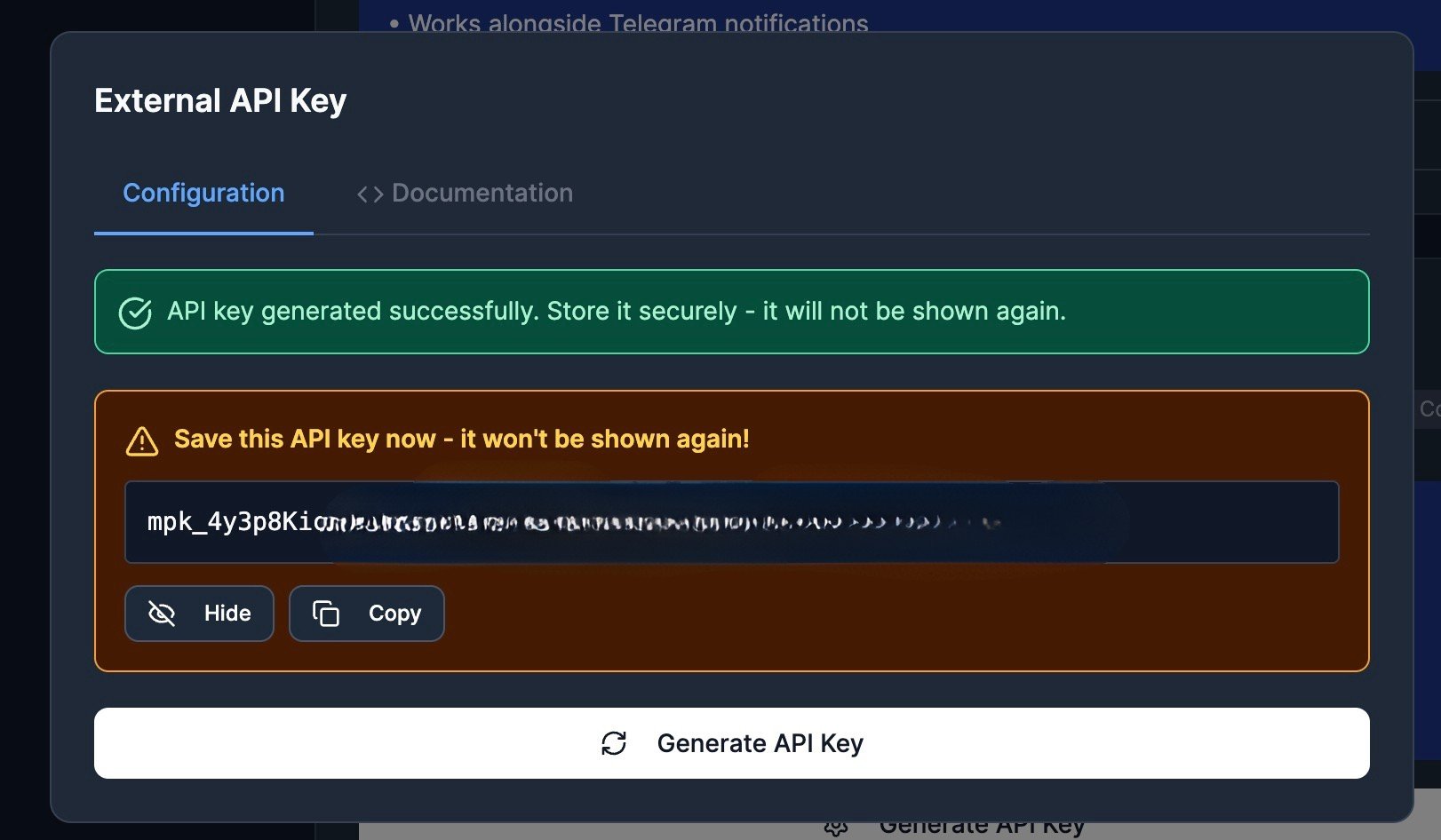
The full key is only shown at generation time.
- Store it securely.
Authentication
The API accepts one of these header formats:X-MP-API-Key is not accepted. Use X-API-Key or Authorization: ApiKey ....Rate limits and plan limits
Limits are plan-based and enforced per API key:PRO: 60 requests per minute, up to 25 active StrategiesDEGEN: 300 requests per minute, up to 50 active Strategies- Backtests:
PROgets 25 jobs per UTC day with a 7-day lookback;DEGENgets unlimited daily jobs with a 14-day lookback
GET /me.
Common error shape
Validation and auth errors use this structure:Endpoint reference
Lifecycle order:GET /mePOST /strategiesPOST /strategies/:id/activateGET /strategy-evaluationsPOST /backtestsandGET /backtests/:id/resultsGET /notificationsandGET /notifications/:idGET /notifications/performanceor async performance jobsPUT /webhookPOST /strategies/:id/deactivate
GET /me
Returns authenticated user plan and limits.
GET /strategies
Returns all Strategies for the authenticated user and activeCount.
POST /strategies
Creates a new Strategy.
Required body fields:
name(string)triggers(array)rules(array)isActive(boolean)
- dealbreakers
- product rule groups such as
Security,Market,Volume/Activity,Clusters,Socials, andAI
rule(string, required)dealbreaker(boolean, required)enabled(boolean, optional.enabled: falseskips any rule type)min/max(number, numeric rules only)value(string, enum rules only:risk_level,launch_platform)operator(string, enum rules only:equalsornot_equals; defaults toequals)config(object, advanced market, volume/activity, and wallet-quality rules only)clusterConfig(object, coordinated wallet cluster rules only)
triggerConfigs.twitter_mention_direct.tagIdis required fortwitter_mention_direct; use"all"or a Twitter tag id.triggerConfigs.tweet_metadata_match.tagIdis required fortweet_metadata_match; use"all"or a Twitter tag id.triggerConfigs.followed_dev_new_token_created.scopeis optional and accepts"all","tag", or"wallet".triggerConfigs.followed_dev_new_token_created.tagIdis required whenscopeis"tag"; use a dev tag id fromGET /devs/tags.triggerConfigs.followed_dev_new_token_created.developerAddressis required whenscopeis"wallet"; the wallet must be in your followed developers list.
triggerConfigs.followed_dev_new_token_created is omitted, the followed-dev trigger behaves as scope: "all".
Important strategy-level options:
strict(optional, boolean)alertCooldownMins(optional, number0to1440)
eventType values:
new_token_createdfollowed_dev_new_token_createdtwitter_mention_directtweet_metadata_matchtoken_almost_graduatedtoken_graduated
The response may include
dealbreakers and ruleGroups; these are generated
from your rules[] payload.GET /strategies/:id
Returns one Strategy by UUID.
PATCH /strategies/:id
Partially updates a Strategy. Uses the same schema as POST /strategies, but all fields are optional.
Replacement semantics:
- If
rulesis included, MemePerfect fully replaces the strategy’s saved rules. - If
rulesis explicitly[], MemePerfect clears the strategy’s saved rules. - If
triggersis included, MemePerfect fully replaces the strategy’s saved triggers. - If
rulesortriggersare omitted, existing values remain unchanged.
POST /strategies/:id/activate
Activates a Strategy.
POST /strategies/:id/deactivate
Deactivates a Strategy.
DELETE /strategies/:id
Deletes a Strategy.
GET /strategy-evaluations
Lists persisted Strategy evaluation snapshots for the authenticated user. Use this to review matched and failed evaluations without calling the current market-cap, ATH, or performance endpoints.
This endpoint is optimized for recent evaluation history. Prefer
hasMore
and nextCursor for pagination. The exact total is returned as null.Evaluation history only returns records from the last day. The
from filter
is limited to that retention window.page(optional, default1; used whencursoris not provided)pageSize(optional, default50, max100)limit(optional alias forpageSize;pageSizewins when both are sent)cursor(optional opaque value returned asnextCursor; use with the same filters and sort)sortBy(createdAt|matched|evaluationTimeMs|tokenAddress|strategyId|mcap|liquidity, optional)sortDir(asc|desc, optional)matched(true|false, optional)strategyId(Strategy UUID, optional)address(token address exact match, or partial match when%is present, optional)datetime(ISO datetime one-minute window, orYYYY-MM-DDUTC day window, optional)dealbreakerFailed(true|false, optional)failedGroupIds(CSV or repeated query parameter; matches exactly that failed-group set, optional)from/to(strict ISO 8601createdAtbounds, optional;frommust be before or equal toto)
currentMcap, athPrice, athMcap, athAt, currentMultiple, or athMultiple, and it does not expose /mcaps, /performance, or /analyze under the external Strategy Evaluations API.
To fetch the next page, pass the previous response’s nextCursor with the same
filters and sort:
GET /backtests
Lists async backtest jobs for the authenticated user.
Query parameters:
page(optional, default1; fixed page size20)
metrics.winnersNow is retained for response compatibility. For disk-backed
backtests it represents winners inside the effective snapshot window, not a live
market lookup.
POST /backtests
Queues a backtest job for one of your Strategies. The API stores a strategy snapshot when the job is created, so later edits to the live Strategy do not change that backtest run.
Backtests replay hourly disk snapshots built from completed UTC hours. If your requested window overlaps available snapshot coverage, the returned job from and to are clamped to the available slice. If there is no overlap, the API returns 400 with the available range.
PRO users can create 25 backtests per UTC day with a 7-day lookback. DEGEN
users have unlimited daily backtests with a 14-day lookback.strategyId(Strategy UUID owned by the API-key user)from/to(ISO 8601 datetimes)labelDefinition.threshold(number; snapshot-window winner multiple threshold)options(object; send{}when you do not need options)
options fields:
eventType(string)strictOverride(boolean)
GET /backtests/:id
Returns one backtest job owned by the authenticated user.
404.
GET /backtests/:id/results
Returns paginated stored backtest result rows plus todayCount.
Backtest results store matches and missed winners only:
- matched tokens, including true positives and false positives
- non-matched tokens whose snapshot-window
currentMultiplereaches the threshold, meaning missed winners
total is the stored-row count after filters; use the job metrics.tested field for the full evaluated-token count.
Query parameters:
page(optional, default1)pageSize(optional, default50, max200)matched(true|false|all, optional)winnersInWindow(true|false|all, optional; preferred)winnersNow(true|false|all, optional; backward-compatible alias forwinnersInWindow)minMultiple/maxMultiple(optional)token(optional token-address search)sortBy(evaluationTimestamp|multiple|matched, optional)sortDir(asc|desc, optional)
sortBy=multiple, minMultiple, maxMultiple, winnersInWindow, and winnersNow use currentMultiple, which is calculated from the token’s highest market cap during the backtest window compared with its market cap when it was evaluated. It is not a live Birdeye multiple.
GET /twitter/handles
Read-only list of tracked Twitter handles for the authenticated user.
Query parameters:
search(optional)tagId(optional)status(active|inactive, optional)sortBy(handle|addedAt|lastUpdated, optional)sortOrder(asc|desc, optional)
GET /twitter/tags
Read-only Twitter tags. Returns both user and platform tags by default.
Query parameters:
scope(all|user|platform, defaultall)includeCounts(boolean, defaulttrue)sortBy(name|createdAt|handleCount, defaultname)sortOrder(asc|desc, defaultasc)
GET /devs/my
Lists your followed developers.
Query parameters:
page(optional, default1)limit(optional, default20)isActive(optional)
GET /devs/tags
Returns your developer tags.
GET /devs/:address/tags
Returns tag IDs currently assigned to a followed dev wallet.
POST /devs/:address/add
Adds a wallet to your followed developers list.
PUT /devs/:address/update
Updates alias and/or active status for a followed dev wallet.
PUT /devs/:address/tags
Replaces assigned tag IDs for a followed dev wallet.
GET /notifications
Lists notifications with pagination and optional filtering.
Query parameters:
page(optional, default1)limit(optional, default20, max100)source(optional, defaultall; allowed:all,personal,official)strategyId(optional)triggerType(optional)
source=personal or source=official when you want only one alert source.
GET /notifications/:id
Returns one notification for the authenticated user, including live performance snapshot.
Query parameters:
source(optional, defaultall; allowed:all,personal,official)view(optional, defaultfull; allowed:full,summary)
GET /notifications/performance
Returns performance summary for one Strategy and one range.
Required query parameters:
strategyId(string)range(daily|weekly|monthly|quarterly)
POST /notifications/performance/jobs
Creates an async performance job.
Required query parameters:
strategyId(string)range(daily|weekly|monthly|quarterly)
GET /notifications/performance/jobs/:jobId
Returns async performance job status and result when completed.
completed, the response includes:
result.overallresult.bucketsresult.topTokens
GET /webhook
Returns webhook configuration for the authenticated user.
PUT /webhook
Updates webhook configuration.
Body fields:
enabled(required, boolean)url(optional, string ornull)
- Set
urltonullto clear webhook config and secret. - When URL changes, backend attempts verification and may return
verificationError. - A new
secretis only returned when generated or rotated.
Error cases to handle
Your client should handle at least these responses:400validation errors (invalid body, query, or path params)401missing or invalid API key403no active subscription or plan limit reached404resource not found (or belongs to another user)429throttled (Rate limit exceeded)
API Walkthrough
Full integration flow from create to activate, observe, webhook, and
deactivate.
Webhooks
Webhook payload format, signing, and verification flow.
Strategy Rules Spec
Rule payload schema, supported ruleType IDs, operators, and value formats.
AI Agent
Build agent workflows on top of Strategy and notification outputs.