
1
Sign in with Telegram
Your MemePerfect account is created when you sign in with Telegram.
-
Open
https://app.memeperfect.io. -
Click
Continue with Telegram.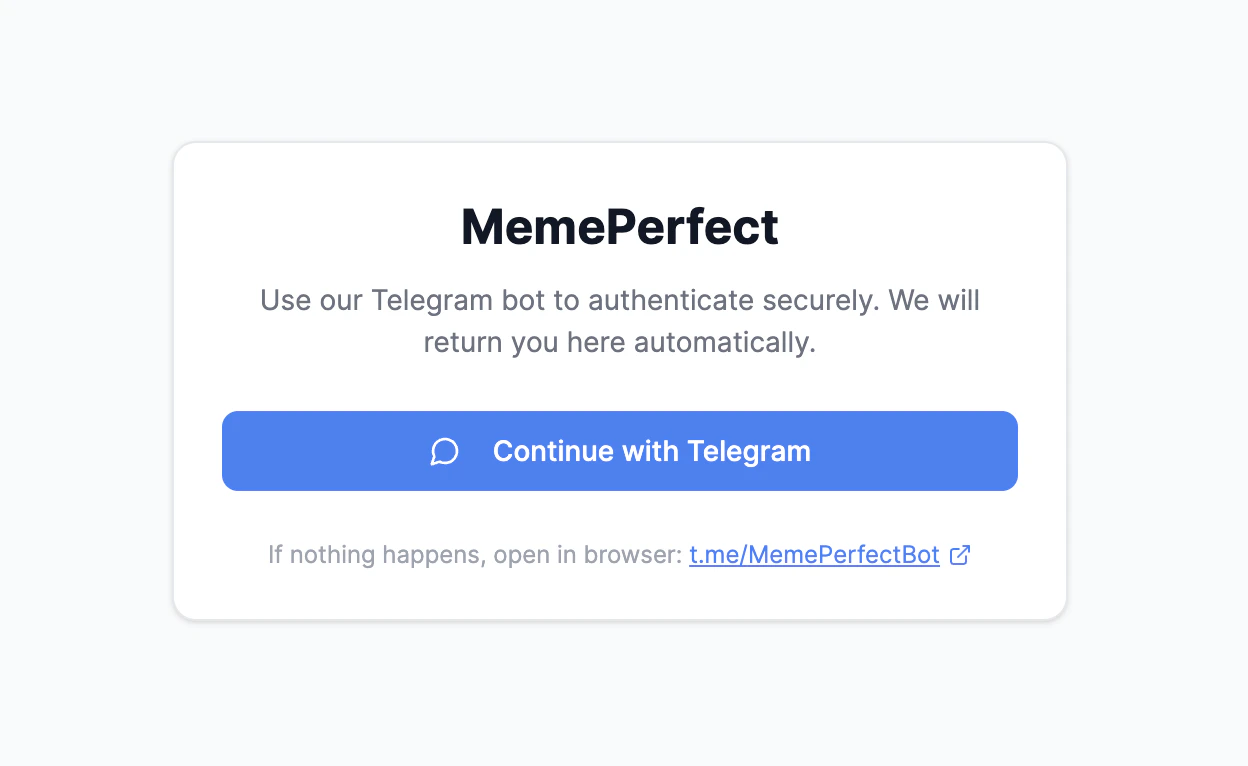
- Telegram opens on your device and starts the MemePerfect bot.
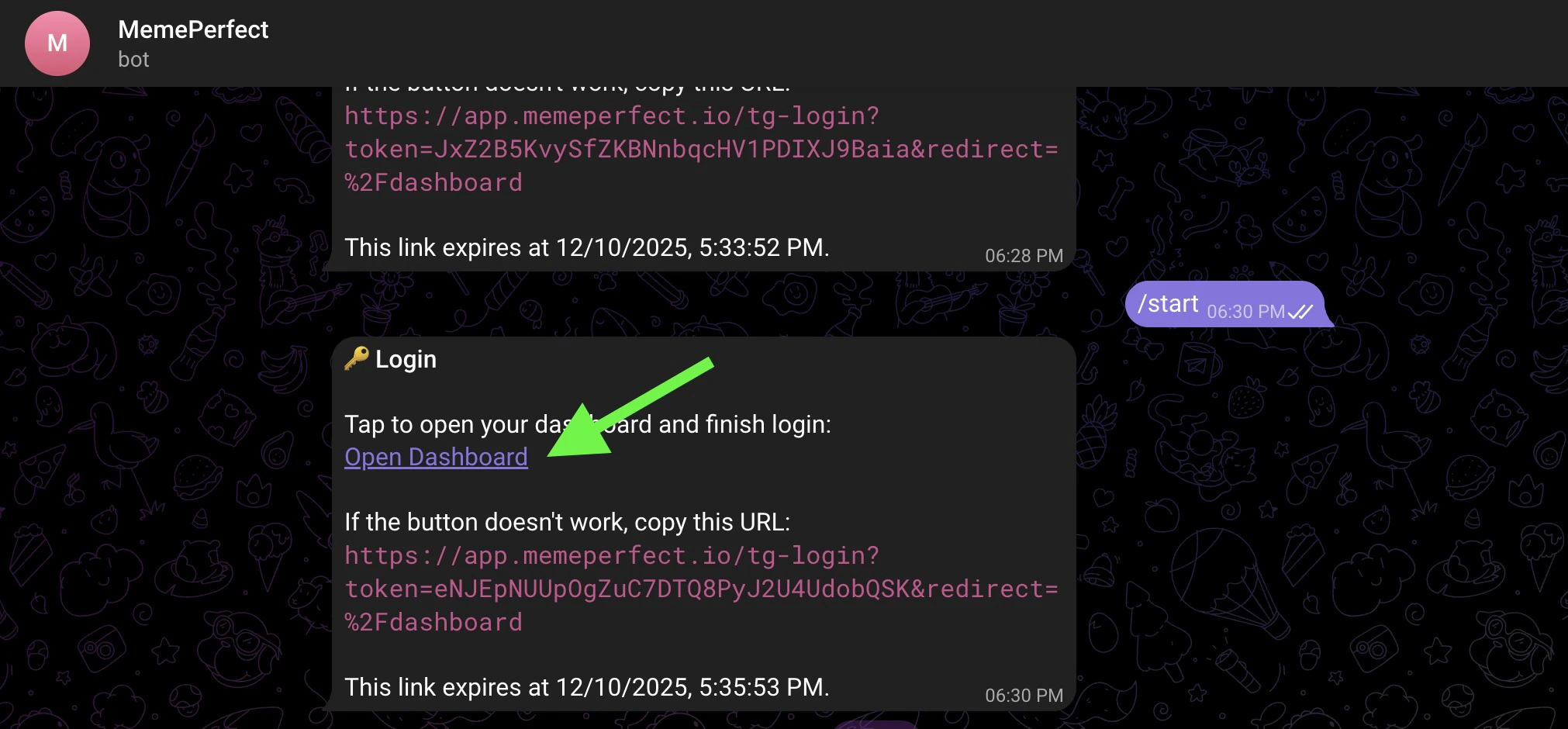
- In Telegram, open the login link sent by the bot.
-
The app loads and your dashboard becomes available.
You are ready for the next step when the dashboard opens successfully.
2
Clone a template Strategy
Start with a template so you can learn the product using working logic instead of a blank page.
-
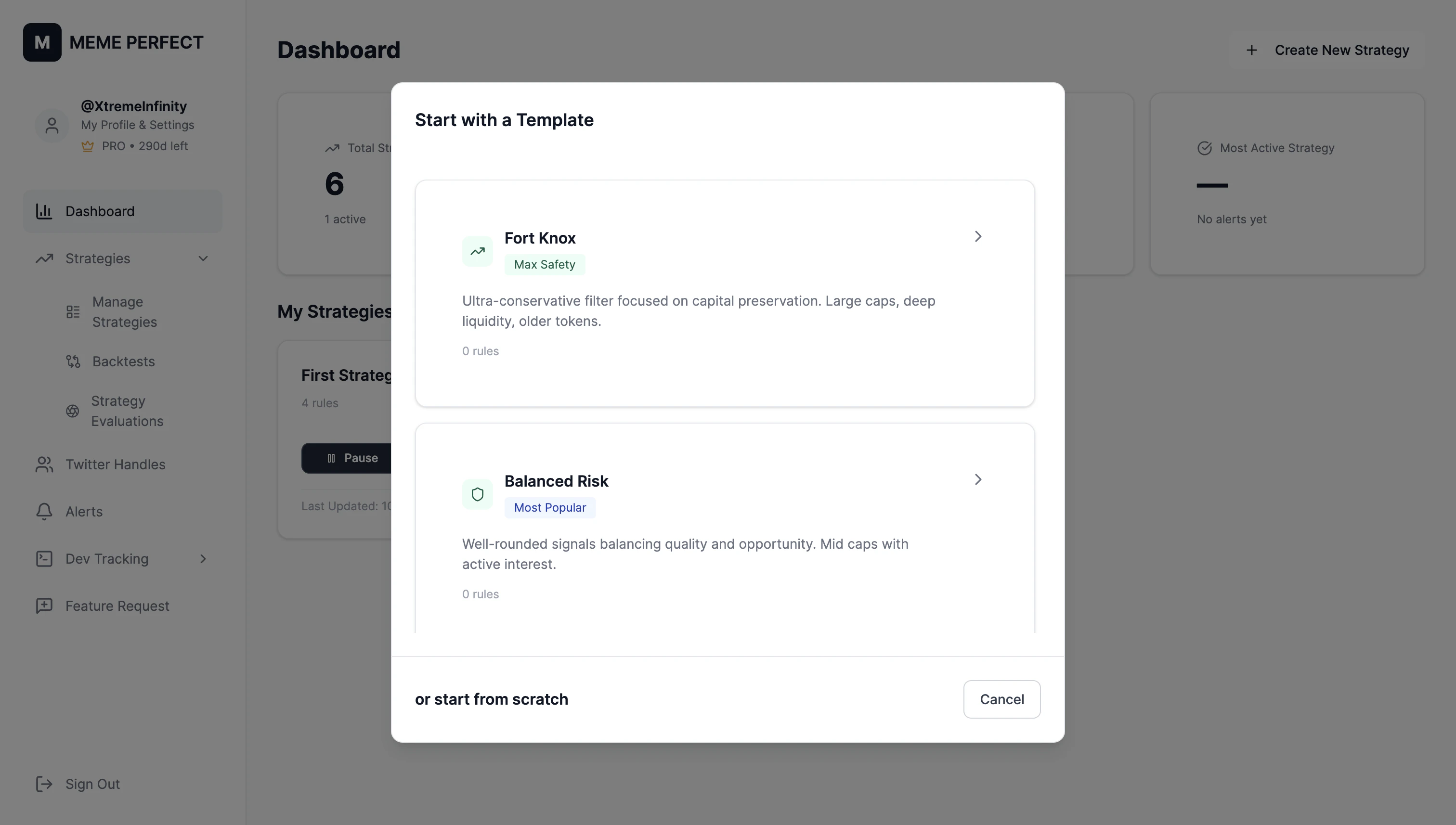
Click
+ Create New Strategy. -
Select the
Fort Knox (Max Safety)template.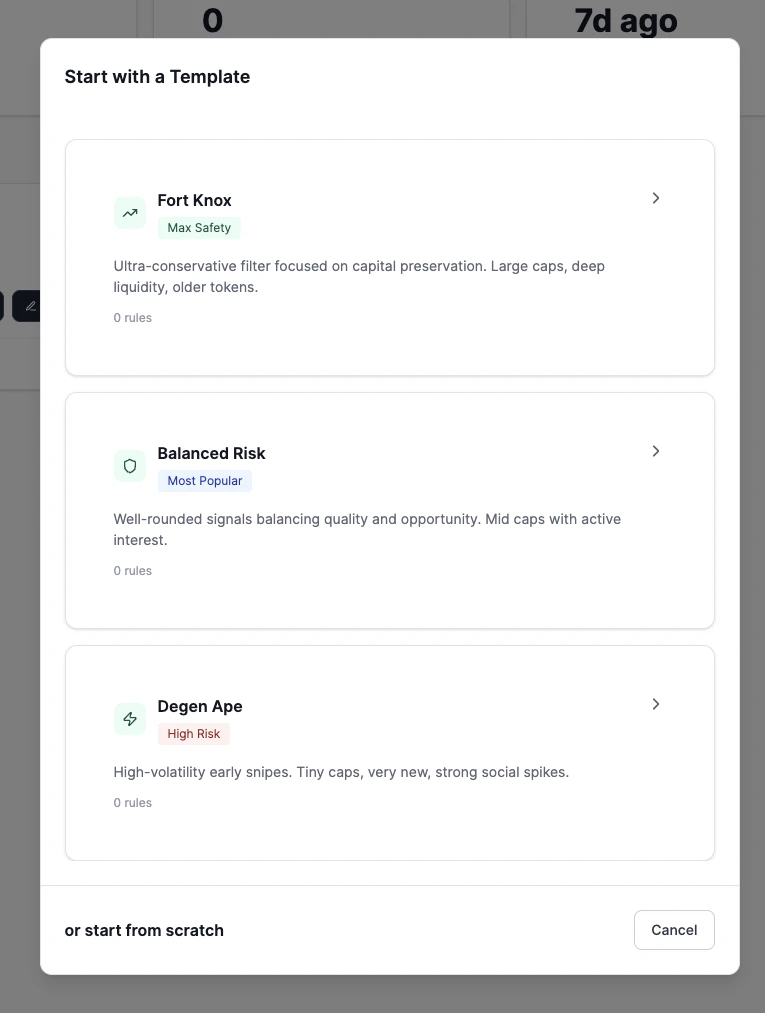
- Rename the strategy name to another name you want (e.g., “Fort Knox”)
-
Click
Next: TriggerYou can add additional triggers if you like -
Click
Next: Rules
- Review the preset Rules. Keep the defaults if you want the safest starting point.
- On the review step, enable the activation toggle and save the Strategy.
-
On the Strategies reviews page, click the toggle to activate the strategy

This template includes core Dealbreakers such as honeypot, tax, and mint checks.
3
Receive your first alerts
- Open Telegram.
-
Wait for tokens that match your Strategy to appear in the MemePerfect bot.
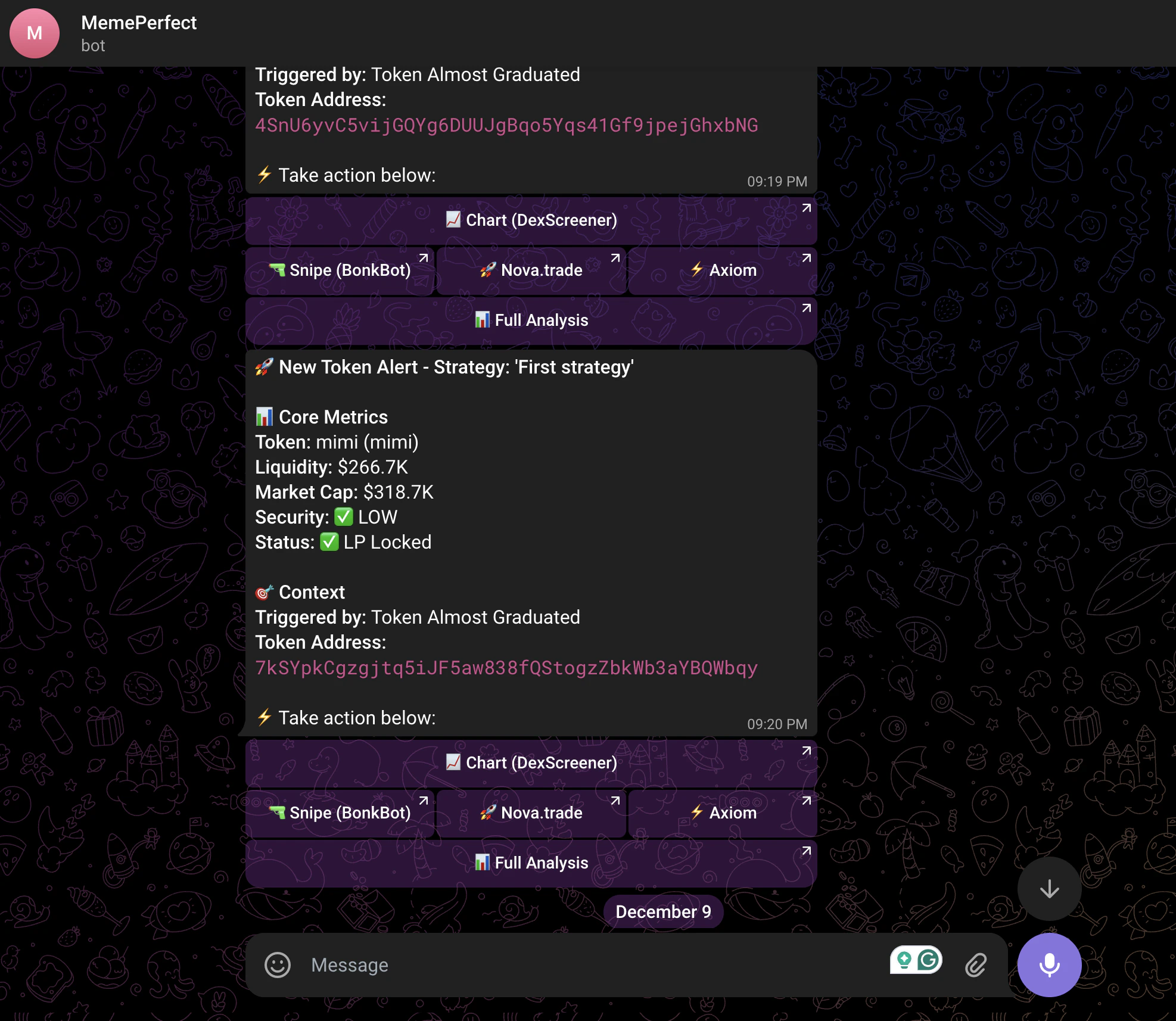
- Copy the contract address from the alert if you want to inspect or trade the token elsewhere.
- Or use the included links to open tools such as Axiom, Nova, BonkBot, or Dextools.